4:3 vs 16:9: Which Aspect Ratio Should You Use?
 CropDen
4:3 is boxier (1.33:1) and 16:9 is wider (1.78:1). Learn where each comes from, what cropping between them costs, and which to use for photos, video and slides.
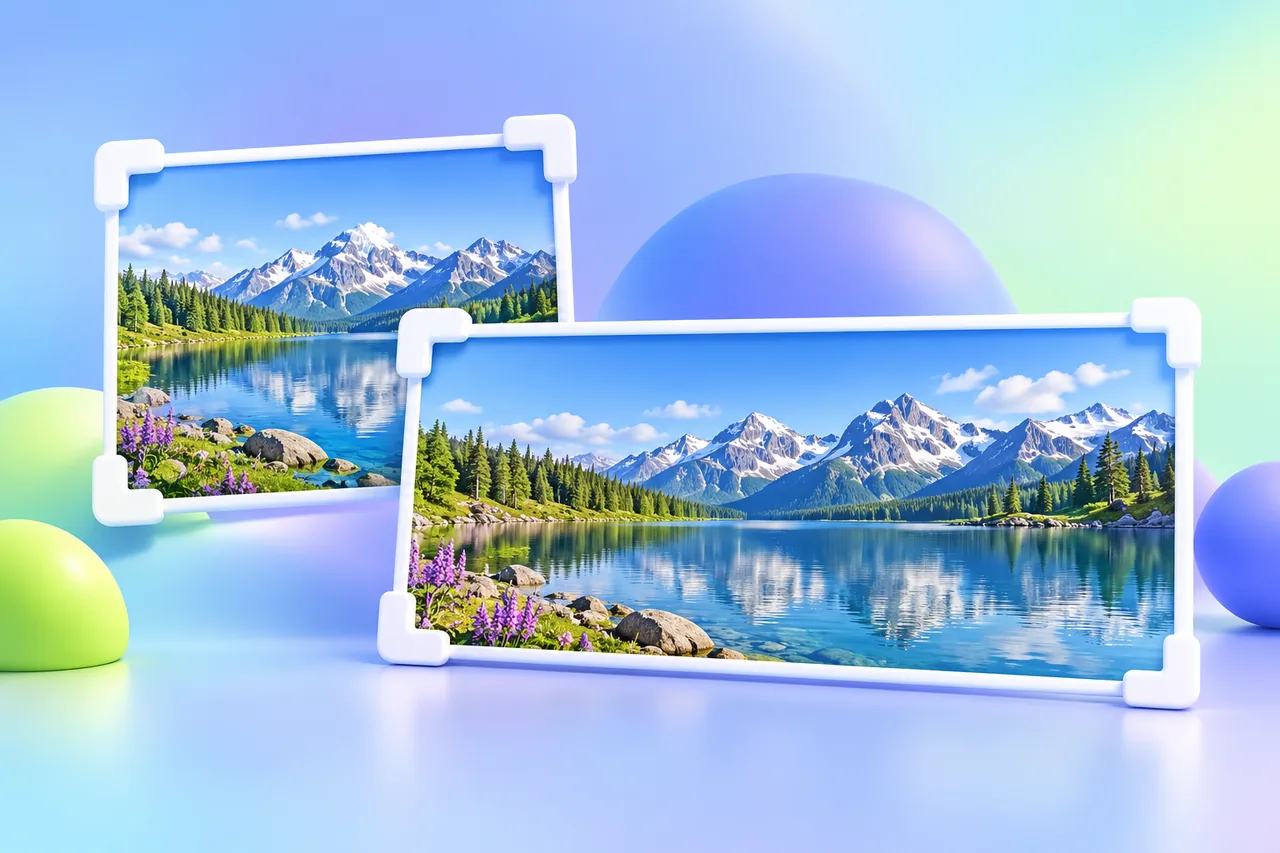
Use 16:9 for anything that plays on a screen: video, YouTube, presentations, TVs and most monitors. Use 4:3 for photos straight from a phone or Micro Four Thirds camera, prints in 4:3 sizes and older projectors. Converting between them always costs a quarter of the picture: cropping 4:3 to 16:9 removes 25% of the height, and cropping 16:9 to 4:3 removes 25% of the width.
What 4:3 and 16:9 mean
An aspect ratio compares width with height. A 4:3 image is 1.333 times as wide as it is tall. A 16:9 image is 1.778 times as wide as it is tall.
The easiest way to compare them is to write 4:3 as 12:9. Now both share a height of 9 units, and the only difference is width: 12 units against 16. At the same height, 16:9 is a third wider.
In pixels:
- Same width, 1920 px: 4:3 is 1920 × 1440, 16:9 is 1920 × 1080.
- Same height, 1080 px: 4:3 is 1440 × 1080, 16:9 is 1920 × 1080.
Where 4:3 comes from
4:3 is the older shape. Early 35 mm film frames were close to 1.33:1, and the Academy ratio Hollywood standardized in 1932 (1.375:1) wasn't far off. Television adopted 4:3 to match film, and standard-definition TV kept that shape for about half a century. Early computer monitors followed: 640 × 480, 800 × 600 and 1024 × 768 are all 4:3.
It's still everywhere in photography:
- Phone cameras. Phone photos are usually 4:3 at full resolution. A 12 MP iPhone photo, for example, is 4032 × 3024, and the iPhone camera lets you switch between 1:1, 4:3 and 16:9.
- Micro Four Thirds cameras from Panasonic and OM System (formerly Olympus) use 4:3 sensors.
- iPads. Many models use 4:3 screens. The 12.9-inch iPad Pro, for example, is 2732 × 2048.
Most full-frame and APS-C cameras are the exception. They shoot 3:2.
Where 16:9 comes from
16:9 was proposed in 1984 by Kerns Powers of SMPTE's high-definition working group. He wanted one shape that could show both old 4:3 TV and wide cinema formats such as 1.85:1 and 2.35:1 with modest black bars. 16:9 sits between them. It became the HDTV standard, and 720p, 1080p and 4K UHD all use it.
Today 16:9 is the default for:
- TVs and most desktop monitors
- YouTube and nearly every streaming player
- PowerPoint, which starts new presentations at 16:9, and Google Slides, which lists 16:9 as a standard size
- Video recorded on phones and cameras
Vertical video for Shorts, Reels and TikTok is 9:16, which is 16:9 turned on its side. Laptops have partly moved on: many, including most MacBooks, use 16:10 or something close to it, which sits between the two.
What you lose when you crop one to the other
4:3 to 16:9: you lose 25% of the height
At the same width, a 4:3 frame is 75% as tall as it is wide, and a 16:9 frame is 56.25%. So cropping to 16:9 removes a quarter of the height. A 4032 × 3024 phone photo becomes 4032 × 2268. That's 756 rows of pixels gone, and the photo drops from 12.2 MP to 9.1 MP.
What that costs depends on the shot. A landscape usually gives up some sky and foreground without much harm. A portrait, a tall building or a group of people standing can lose heads or feet. You don't have to crop from the center: slide the frame up or down to keep what matters.
16:9 to 4:3: you lose 25% of the width
At full height, a 16:9 frame trimmed to 4:3 keeps 75% of its width. A 1920 × 1080 frame becomes 1440 × 1080, losing 480 px, or 240 px from each side if you crop from the center. Wide group shots and panoramic scenes suffer most.
Both crops are easy to do precisely. Crop to 16:9 or crop to 4:3 with the frame locked to the ratio, then drag it over the part of the image you want to keep. Everything runs in your browser, so the photo never leaves your device.
Shoot 4:3, crop later
The 16:9 photo mode on most phones makes that same crop at capture time, throwing away the top and bottom of the sensor before you've decided anything. Shooting at 4:3 keeps the full frame, and you can still make a 16:9 version later.
Which ratio should you use?
| What you're making | Ratio | Typical size |
|---|---|---|
| YouTube video | 16:9 | 1920 × 1080 or 3840 × 2160 |
| YouTube thumbnail | 16:9 | 1280 × 720 to 3840 × 2160 |
| Slides for a TV, monitor or new projector | 16:9 | 1920 × 1080 |
| Slides for an older classroom projector | 4:3 | 1024 × 768 |
| Desktop wallpaper | 16:9 (16:10 on many laptops) | Match your screen |
| Webcam and video calls | 16:9 | 1280 × 720 or 1920 × 1080 |
| Phone photos you'll edit later | 4:3 | Full sensor |
| Prints at 6 × 8, 9 × 12 or 12 × 16 in | 4:3 | 1800 × 2400 for 6 × 8 at 300 ppi |
| Instagram portrait post | 3:4 (4:3 turned upright) | 1080 × 1440 |
| Old footage, retro games, scans | Keep 4:3 | Original size |
| Shorts, Reels, TikTok | 9:16 | 1080 × 1920 |
Popular print sizes like 4 × 6 in (3:2) and 8 × 10 in (4:5) match neither ratio, so plan on a crop for those.
The rule behind the table is simple: match the screen or paper where the image will end up. If you don't know yet, keep the 4:3 original and crop a copy. Cropping to 4:3 or to 16:9 from a full-size original always beats cropping something that was already cropped.
Common 4:3 and 16:9 resolutions
| 4:3 | Where you'll see it | 16:9 | Where you'll see it |
|---|---|---|---|
| 640 × 480 | VGA, old webcams | 640 × 360 | 360p video |
| 1024 × 768 | XGA, older projectors | 1280 × 720 | 720p HD |
| 1440 × 1080 | 4:3 inside a 1080p frame | 1920 × 1080 | 1080p Full HD |
| 1600 × 1200 | UXGA monitors | 2560 × 1440 | 1440p QHD monitors |
| 2048 × 1536 | Older Retina iPads | 3840 × 2160 | 4K UHD |
| 4032 × 3024 | 12 MP phone photo | 7680 × 4320 | 8K |
The rows aren't paired. Each column simply runs from smallest to largest.
Pillarbox and letterbox
When an image doesn't match the screen, the player fills the gap with black bars.
- Pillarbox: a 4:3 image on a 16:9 screen gets bars on the left and right. On a 1920 × 1080 screen, the image fills 1440 × 1080 and leaves a 240 px bar on each side, so a quarter of the screen stays black.
- Letterbox: a 16:9 image on a 4:3 screen gets bars on the top and bottom. On a 2048 × 1536 iPad, a 16:9 video plays at 2048 × 1152 with 192 px bars above and below.
- Windowbox: bars on all four sides, usually because a letterboxed video was later pillarboxed, or the other way around. It wastes the most screen.
If the shape doesn't match, you can keep the bars, crop to fill the screen and lose 25% of the picture, or fill the bars with an enlarged, blurred copy of the image, which is common for vertical phone video in a 16:9 frame. The one thing to avoid is stretching. Stretching 4:3 to fill 16:9 makes everything 33% wider, and faces give it away immediately.
FAQ
Is 16:9 better than 4:3?
Neither is better in general. 16:9 fits modern screens, so video and slides should use it. 4:3 keeps more of a typical phone or Micro Four Thirds sensor, so photos often start there.
Is 1920 × 1080 4:3 or 16:9?
It's 16:9. The 4:3 equivalent at the same height is 1440 × 1080, and at the same width it's 1920 × 1440.
Should I take phone photos in 4:3 or 16:9?
Use 4:3. On most phones it uses the whole sensor, which gives you more pixels, and you can crop to 16:9 later. Shooting in 16:9 discards that area for good.
How do I turn 4:3 into 16:9 without cropping?
Place the image on a 16:9 canvas and fill the sides with a solid color or a blurred copy of the photo, which is a pillarbox. Generative fill tools can extend the scene instead, but check the edges closely. Don't stretch it.
Questions people ask
Sources
- Microsoft Support — Change the size of your PowerPoint slides (16:9 is the default)
- Google Docs Editors Help — Change slide size in Google Slides
- YouTube Help — Video resolution and aspect ratios
- YouTube Help — Add video thumbnails (size recommendations)
- Instagram Help Center — Image resolution of photos you share on Instagram
- Apple Support — Use iPhone camera tools (1:1, 4:3 and 16:9)
- Apple Developer — iOS device camera resolutions (12 MP = 4032 × 3024)
- Apple Support — iPad Pro 12.9-inch (6th generation) tech specs
- Apple Support — MacBook Air (13-inch, M4, 2025) tech specs
- OM System — OM-1 Mark II specifications (4/3 sensor, 4:3 aspect ratio)
- Wikipedia — Academy ratio
- Wikipedia — 16:9 aspect ratio
- Wikipedia — Aspect ratio (image)