Crop and resize images to the perfect size
Pick where your photo is going and CropDen sets the exact size, safe zones and file limit for you. Free, no sign-up, and your images never leave your device.

Drag and drop an image
or paste it with Ctrl+V
Runs on your device. Nothing is uploaded.· JPG, PNG, WebP, AVIF, GIF, TIFF
Where is it going?
- Free to use
- No sign-up, no watermark
- Never uploaded
Every image tool you need, free
Platform sizes, aspect ratios, compression and conversion. All run in your browser, with no uploads and no account.
 Crop to 4:3Free4:3Crop to 4:3 or 3:4 at full resolution or a standard size.
 Crop to 16:9Free16:9Widescreen and vertical 9:16 crops for video and slides.
 Crop to 1:1Free1:1Square crops for avatars, products and album art.
 Instagram post sizeFree1080 × 1440 pxPosts, Stories, Reels and profile pictures with the 3:4 grid crop drawn in.
 Instagram story sizeFree1080 × 1920 pxFull-screen 9:16 stories, Reel and highlight covers, safe zones drawn in.
 YouTube banner sizeFree2560 × 1440 pxChannel art with TV, desktop, tablet and phone safe areas.
 Facebook cover photo sizeFree851 × 315 pxCover photos that survive the phone crop.
 Discord banner sizeFree600 × 240 pxProfile and server banners, avatar overlap marked.
 LinkedIn banner sizeFree1584 × 396 pxProfile and company covers that clear your photo.
 Twitter (X) header sizeFree1500 × 500 px3:1 X headers with the profile photo and the cropped edges marked.
 Passport photo sizeFree600 × 600 pxUS 2×2 and 35×45 mm with head guides and a 4×6 print sheet.
 Twitch banner sizeFree1200 × 480 pxProfile banner, offline screen, panels and avatar.
 TikTok video sizeFree1080 × 1920 px9:16 frames with the caption and button zones marked.
 Compress image to 50 KBFreeBatch-compress images under 50 KB for upload forms.
 TIFF to JPGFreeMulti-page and 16-bit TIFFs to JPG, in bulk.
 Image to pixel artFreeTurn photos into pixel art with retro palettes and dithering.
How to resize an image in 3 steps

1. Upload your image
Drag a photo in, paste it, or pick one from your device. JPG, PNG, WebP, AVIF and TIFF all work.
2. Choose a size and frame it
Pick the platform or ratio, then drag and zoom. Safe zones show what the app will cover.
3. Download
Get the exact pixel size as JPG, PNG or WebP, already under the platform's file limit.
Why creators use CropDen
Up-to-date platform sizes
Every preset is checked against current platform guidance and dated, so you're not guessing from a 2019 blog post.

See what gets covered
Safe zones, avatar overlaps and grid crops are drawn right on your photo before you export.

Private by design
Cropping, resizing and compressing happen in your browser. Your photos are never uploaded.
Sharp, exact exports
High-quality downscaling, an exact file size before you download, and a warning if your crop would be upscaled.

Fit without cropping
Need the whole photo in a banner? Fit it and fill the space with blur, white or any color.
Works on your phone
Pinch to zoom, drag to frame and download straight to your camera roll.
Questions people ask
Notes on getting images right
Why platforms do what they do to your photos, and how to stay ahead of it.
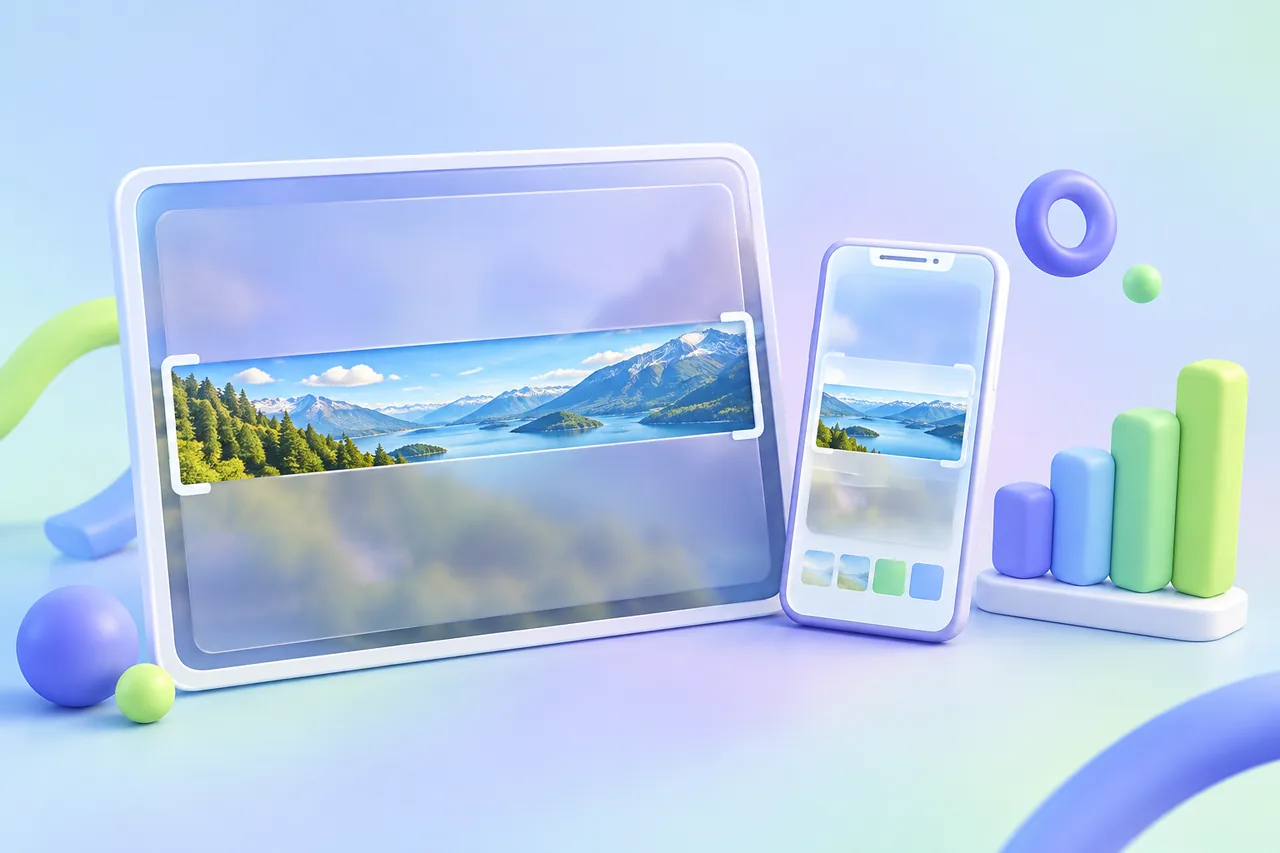
How Much of Your Image Each Platform Actually Shows (2026 Data)
Only 17.7% of a YouTube banner shows on every device; a square Instagram post loses 25% on the grid. 16 formats ranked by how much survives crops and app overlays.
 CropDen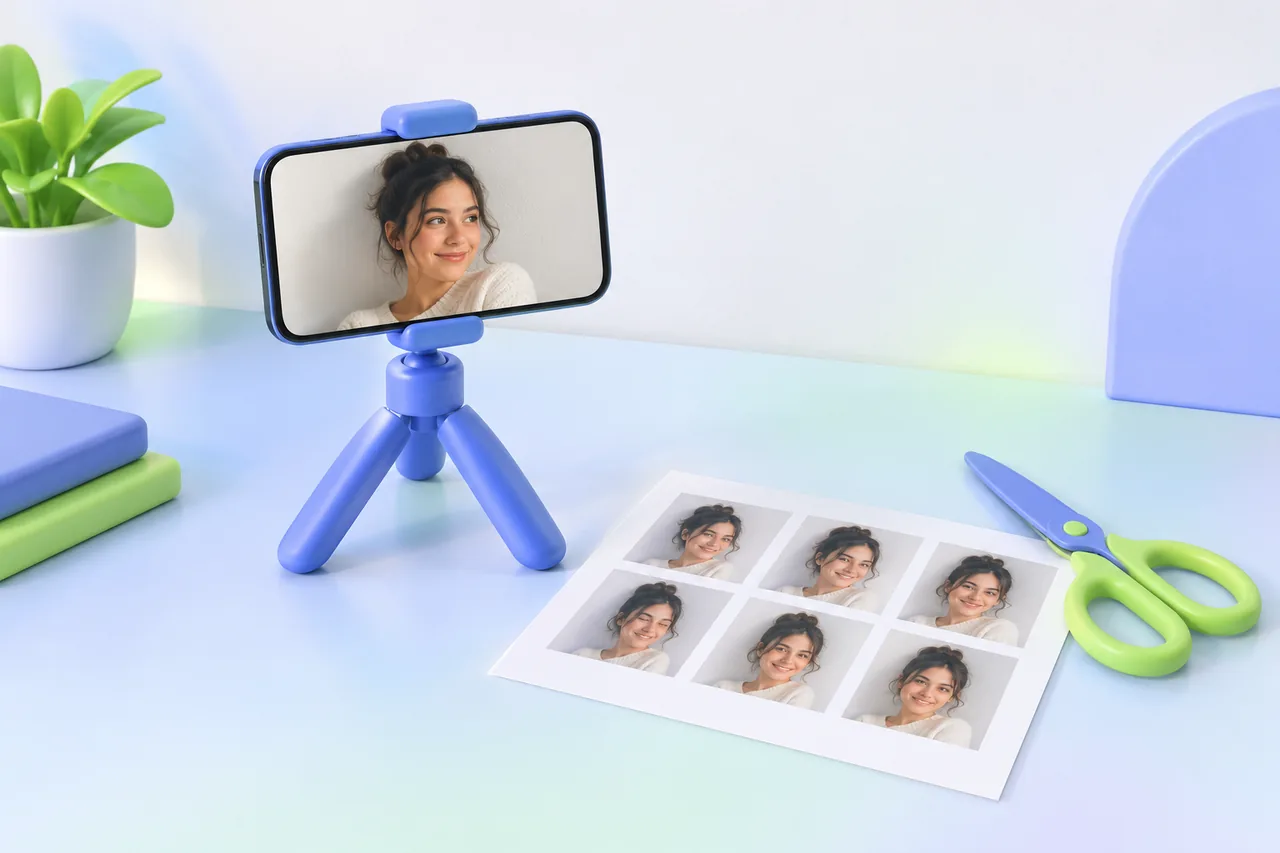
How to Make a US Passport Photo at Home (2×2 in), Free
Have someone photograph you against a white wall in soft daylight, crop to 2×2 in with the head 1 to 1⅜ in tall, then print a 4×6 sheet at a photo counter.
CropDen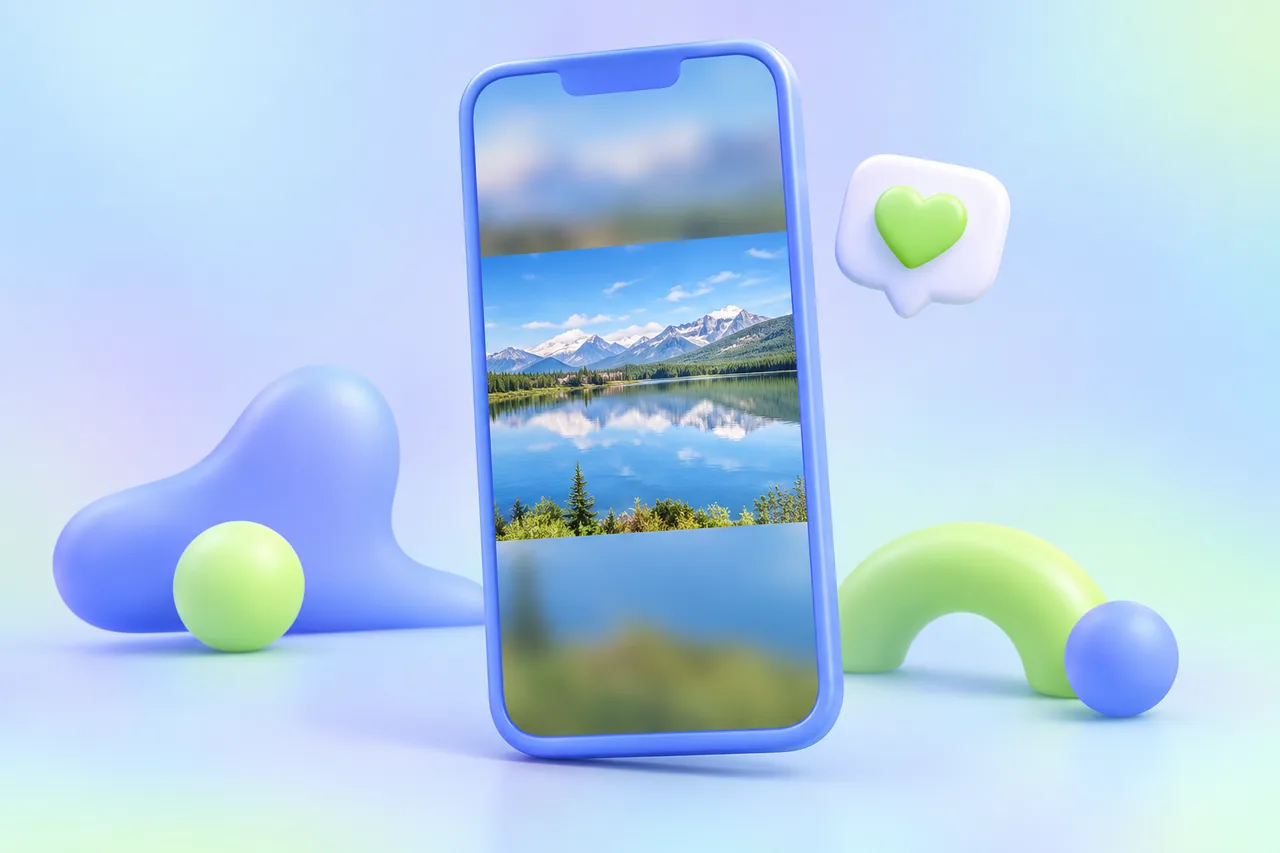
How to Post a Full Photo on Instagram Without Cropping
Pad the photo onto a 1080 × 1350 or 1080 × 1440 px canvas (1080 × 1920 for stories) with a blurred or white fill. Instagram then has nothing left to crop.
CropDen