Blog
Guides on image sizes, safe zones and photo quality, written by the people who build CropDen.

How Much of Your Image Each Platform Actually Shows (2026 Data)
Only 17.7% of a YouTube banner shows on every device; a square Instagram post loses 25% on the grid. 16 formats ranked by how much survives crops and app overlays.
 CropDen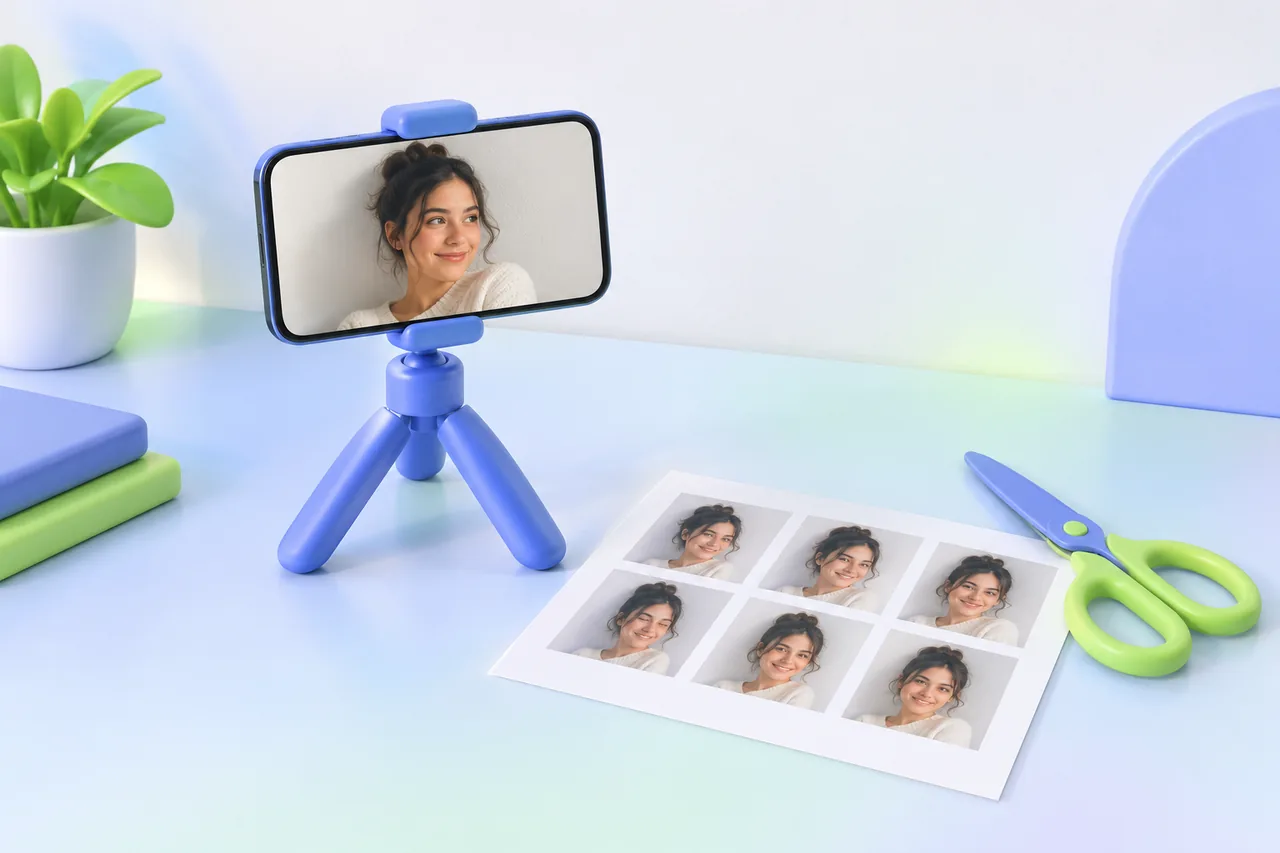
How to Make a US Passport Photo at Home (2×2 in), Free
Have someone photograph you against a white wall in soft daylight, crop to 2×2 in with the head 1 to 1⅜ in tall, then print a 4×6 sheet at a photo counter.
CropDen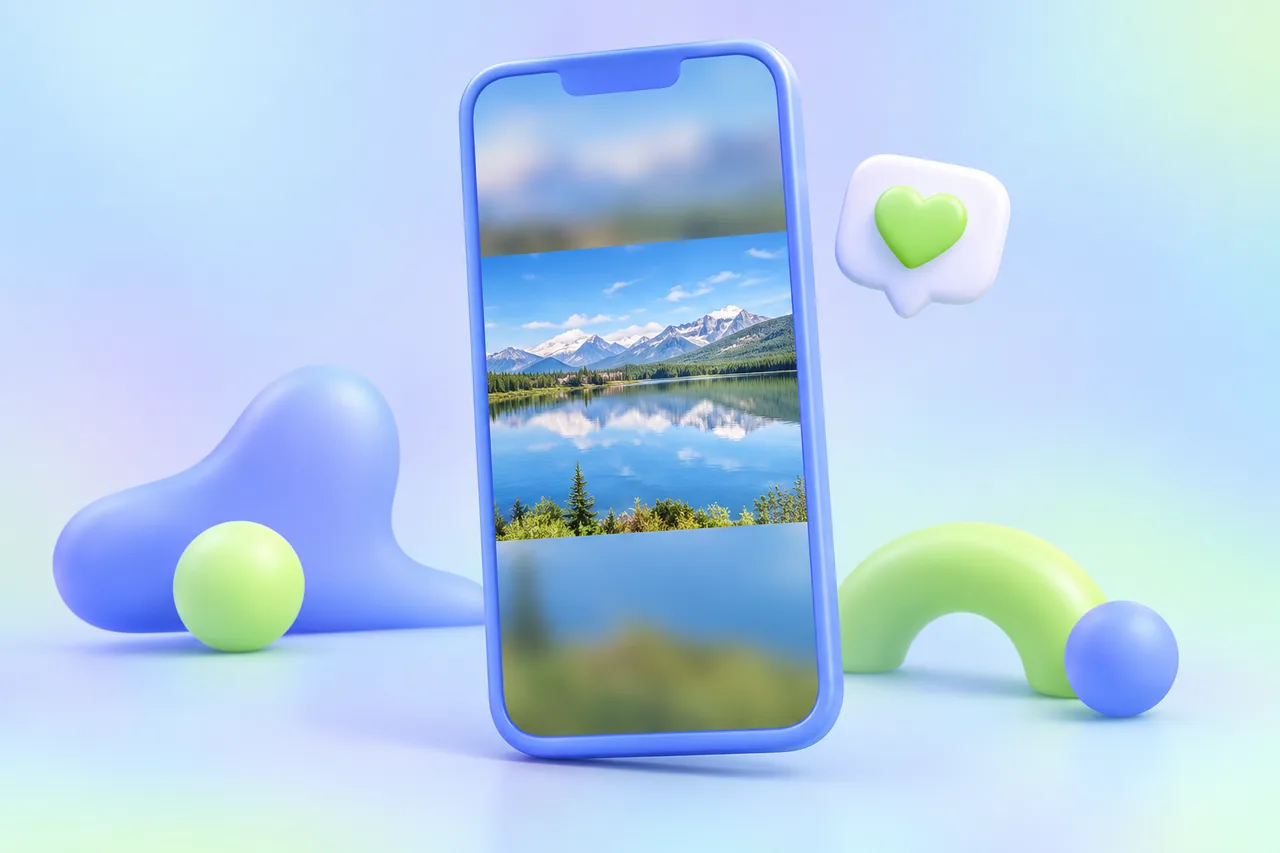
How to Post a Full Photo on Instagram Without Cropping
Pad the photo onto a 1080 × 1350 or 1080 × 1440 px canvas (1080 × 1920 for stories) with a blurred or white fill. Instagram then has nothing left to crop.
CropDen
Best Free Image Resizers for Social Media in 2026, Compared
The best free image resizer depends on the job. Ten tools compared on price, account, uploads, batch resizing, platform presets, safe zones and watermarks.
CropDen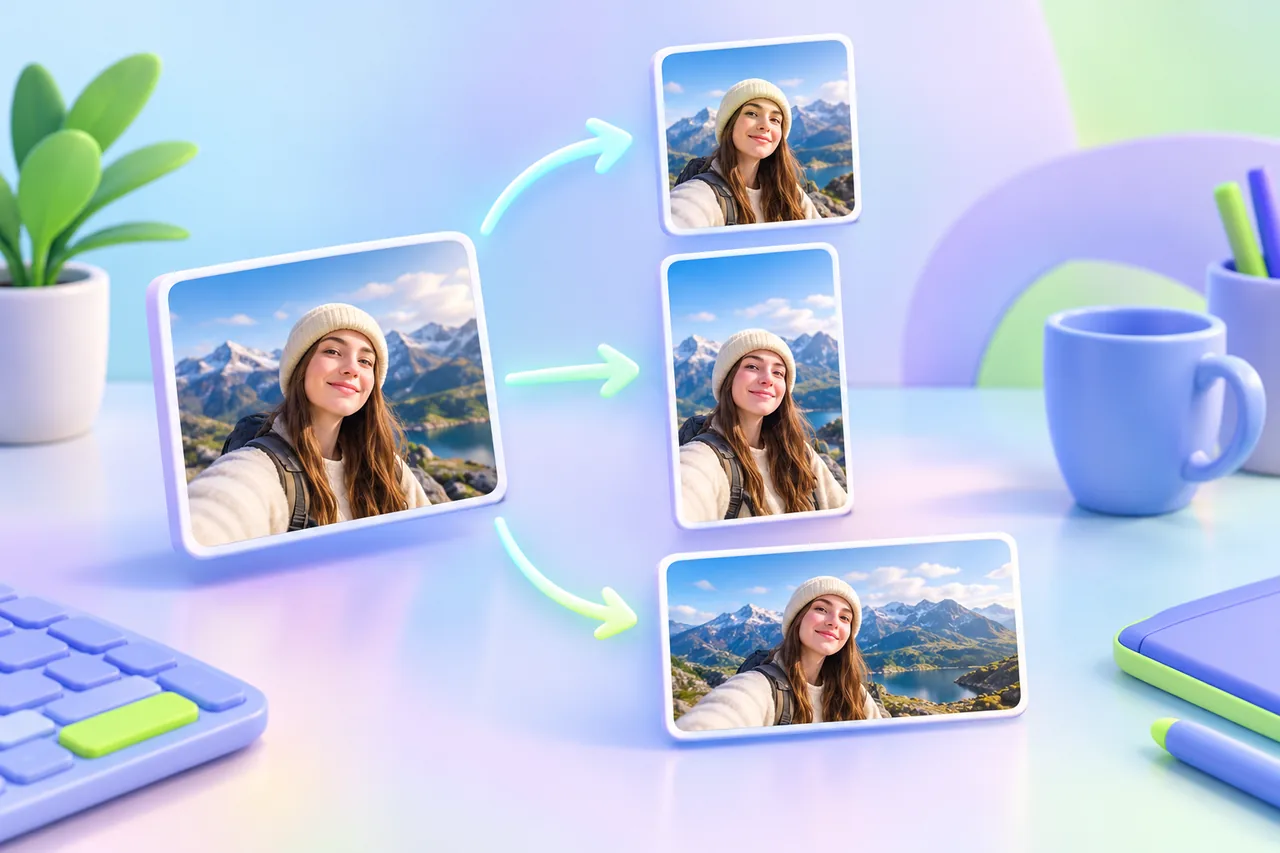
Canva Resize Alternatives: 7 Free Ways to Resize Without Canva Pro
Canva’s Magic Resize needs a paid plan. Seven free alternatives, from Adobe Express to Photopea, BIRME and CropDen, compared on account, uploads and batch.
CropDen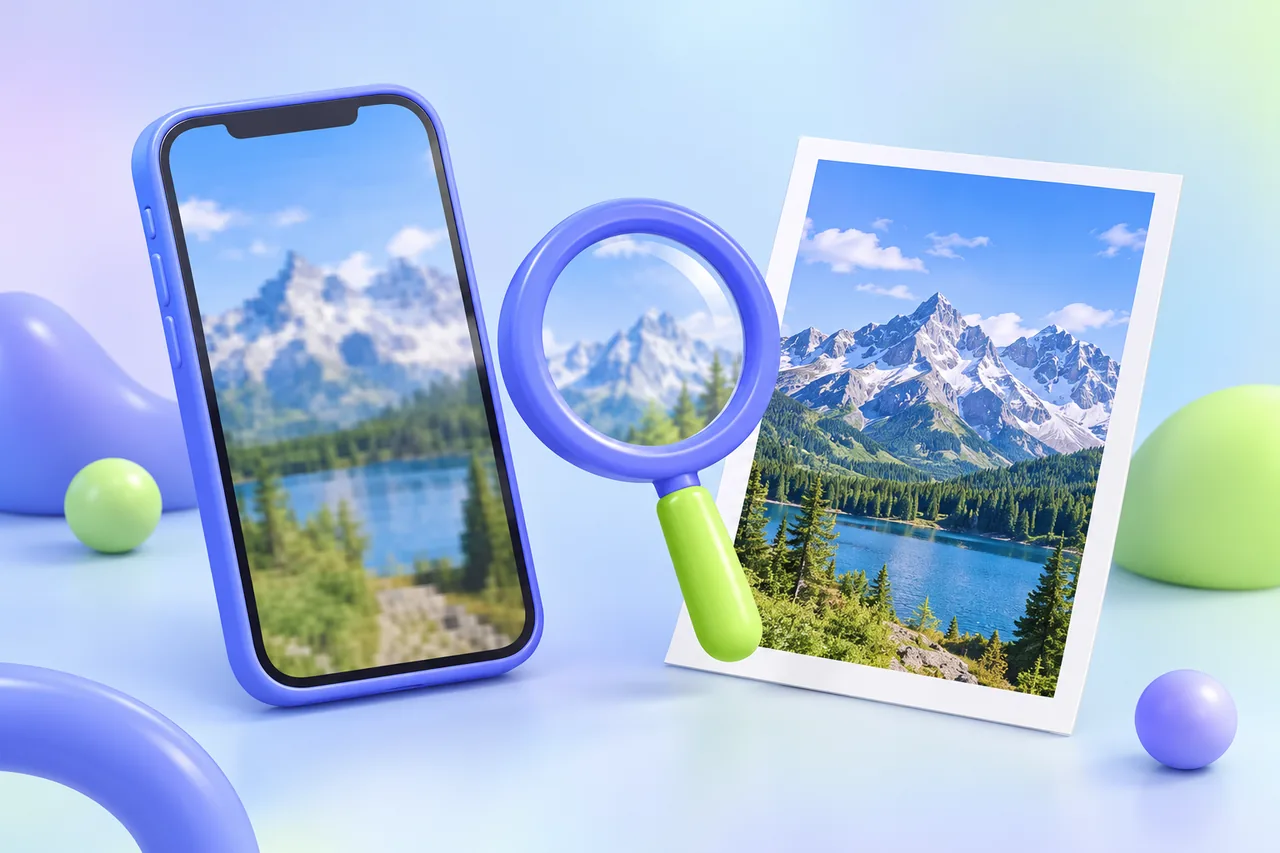
Why Does Instagram Ruin Photo Quality? Causes and Fixes
Instagram shrinks photos to 1080 px wide, re-compresses them and crops odd ratios. Here is why your posts look blurry and how to export images that hold up.
CropDen
YouTube Banner Safe Area Explained: What Each Device Shows
The YouTube banner safe area is the centered 1546 × 423 px of a 2560 × 1440 image. See what TVs, desktops and phones show, and where text and logos belong.
CropDen
4:3 vs 16:9: Which Aspect Ratio Should You Use?
4:3 is boxier (1.33:1) and 16:9 is wider (1.78:1). Learn where each comes from, what cropping between them costs, and which to use for photos, video and slides.
CropDen