Photo to GIF examples
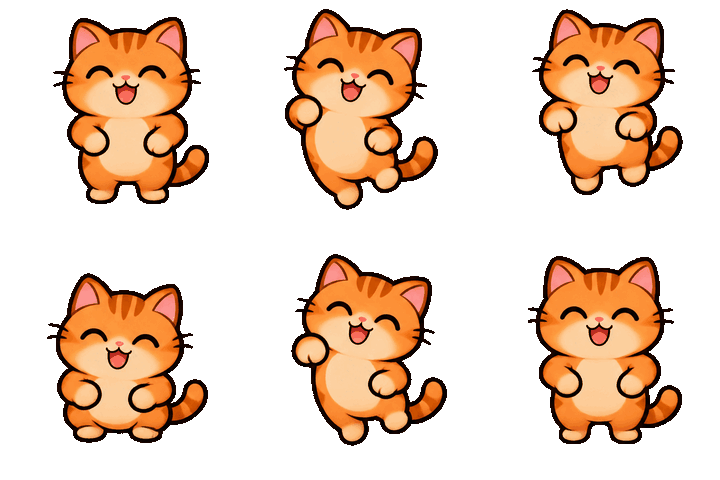
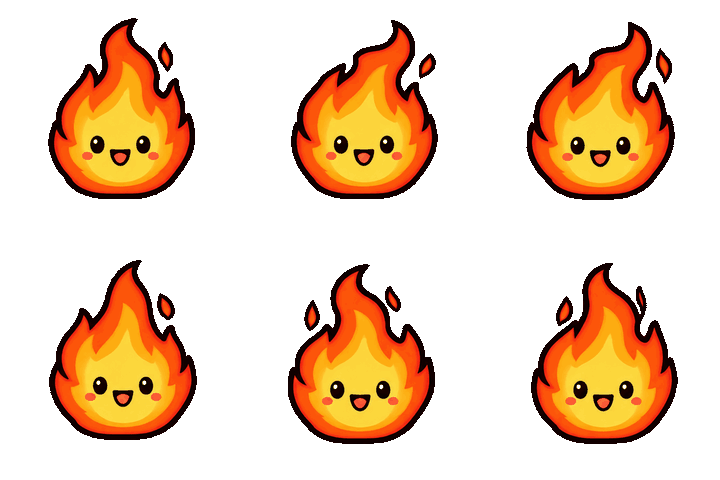
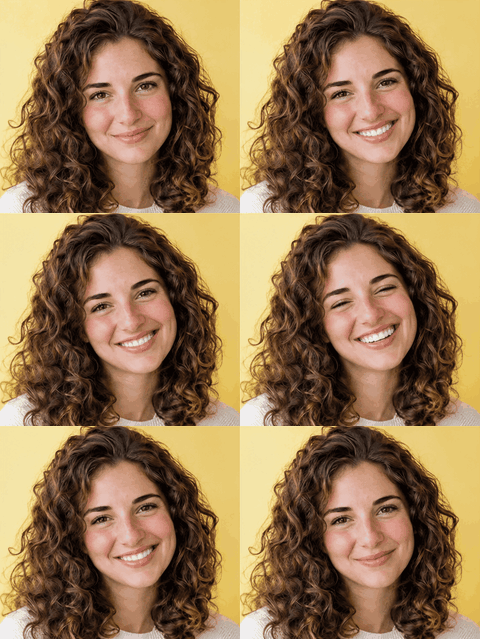
The cat and the flame came from a description. The portrait came from one photo. All three ran on GPT Image 2.6.
Two ways to make a GIF
| Slideshow | AI animation | |
|---|---|---|
| You give it | 2 to 60 photos | One photo or a description |
| You get | Your photos, one after another | A loop of about nine frames of new movement |
| Runs | In your browser | In the cloud |
| Cost | Free | First GIF free, then 4 credits, refunded if it fails |
Any JPG, PNG or WebP image works.
How the AI GIF generator works
- Drop a photo, or go from text to GIF by describing one character: "a chubby grey cat".
- Pick a movement, such as wave, nod or dance, or write your own.
- Choose Cartoon sticker for a cutout on a clear background, or Keep the photo to animate the picture as it is.
- GPT Image 2.6 makes the GIF, about nine frames. In our tests that took about 1 to 3 minutes.
- Crop it, change the speed and pick a target size, then download it.
What works best
- One subject, facing the camera. Faces, pets, mascots and simple objects hold together best.
- One small movement. A wave or a nod loops well in nine frames; a backflip doesn't.
- Bold shapes for emoji. Thin details disappear at 128 × 128, so pick a cartoon style for anything that small.
- Expect some variation. AI redraws every frame, so details like a hairline can shift a little. If a run looks off, change the movement and try again.
Sizes for Discord, Slack and Twitch
Pick a platform in the Shape menu after your GIF is ready. The tool exports the exact pixels and lowers colors, then frames, until the file fits.
| Platform | Pixels | File limit | Frames |
|---|---|---|---|
| Discord emoji | 128 × 128 | 256 KB | |
| Discord sticker | 320 × 320 | 512 KB | |
| Discord profile banner | 600 × 240 | 10 MB | |
| Slack emoji | 128 × 128 | 128 KB | 50 |
| Twitch animated emote | 112 × 112 | 1 MB | 60 |
More detail: Discord emoji size, Slack emoji size, Twitch emote size.
Is this GPT Image 2.6?
Yes. AI animation runs on GPT Image 2.6's Economy tier. If that's busy or unavailable, the run switches to a backup at no extra charge: Flare for a description, or another model for a photo. What GPT Image 2.6 adds, and what it costs has the details. Already have a GIF from ChatGPT? The free GIF resizer fits it to any of the sizes above.